
Time Machine Can't Use Time Capsule Anymore: Next Steps
October 2, 2026
Time Capsule on macOS 27: Time Machine can't back up to it anymore because AFP was removed. Here's how to move to a new backup disk and protect old backups.
Read More →
Tips, tutorials, and updates for Zero Duplicates users
Time Capsule on macOS 27: Time Machine can't back up to it anymore because AFP was removed. Here's how to move to a new backup disk and protect old backups.
Looking for a duplicate file finder for iPhone that isn't a photo cleaner? Here's what actually finds duplicate documents, PDFs, and downloads in the Files app.
Time Machine backup disk full? Delete old backups with Finder or tmutil, and why the app's Delete Backup button and the minus button often don't help.
What is System Data on Mac, why it grows, and how to reduce it safely using System Settings, Time Machine snapshots, and native macOS tools.
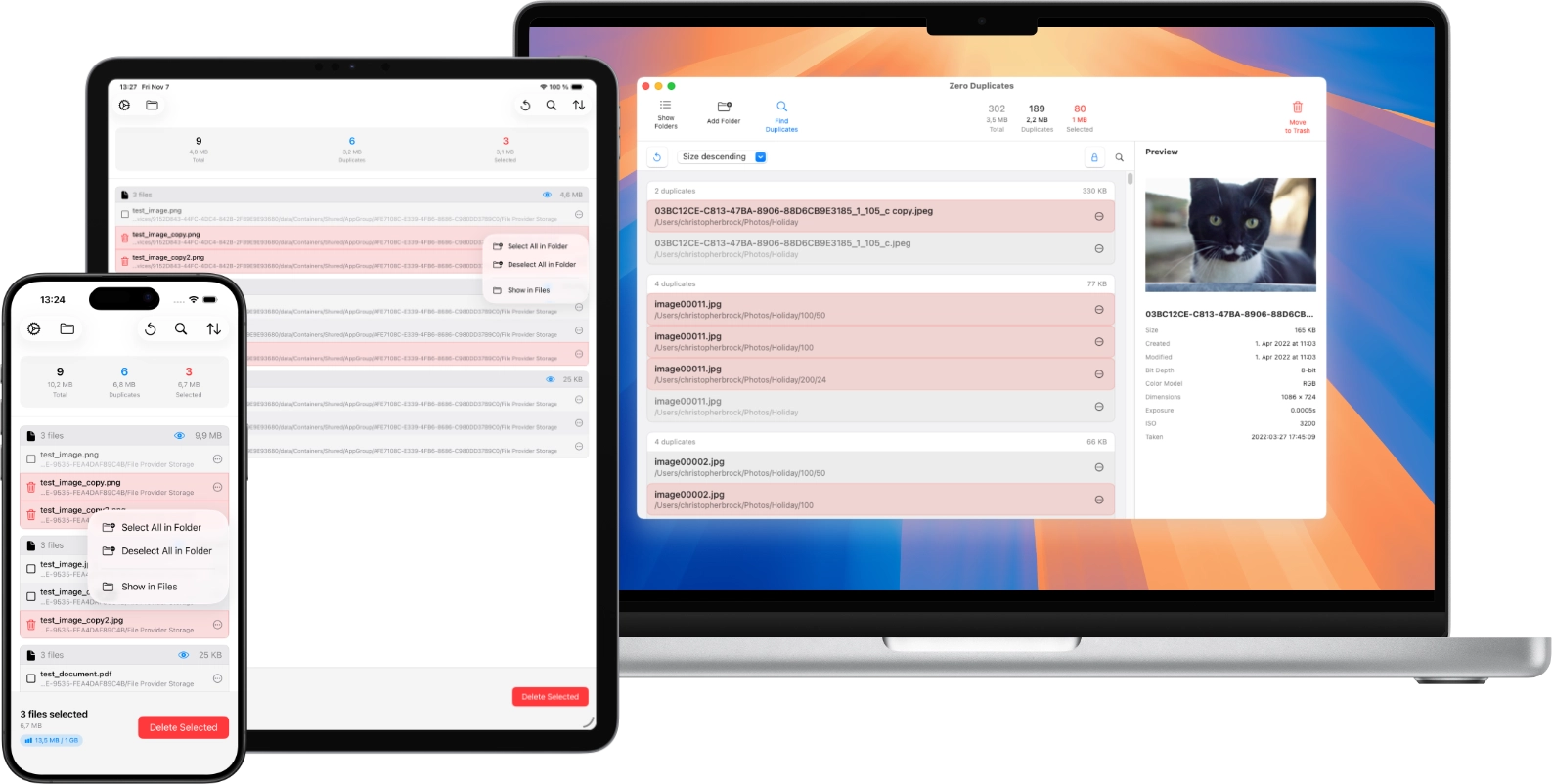
Learn how to find duplicate files across Mac, iPhone, and iPad, review them safely, and remove extra copies without losing the version you want to keep.
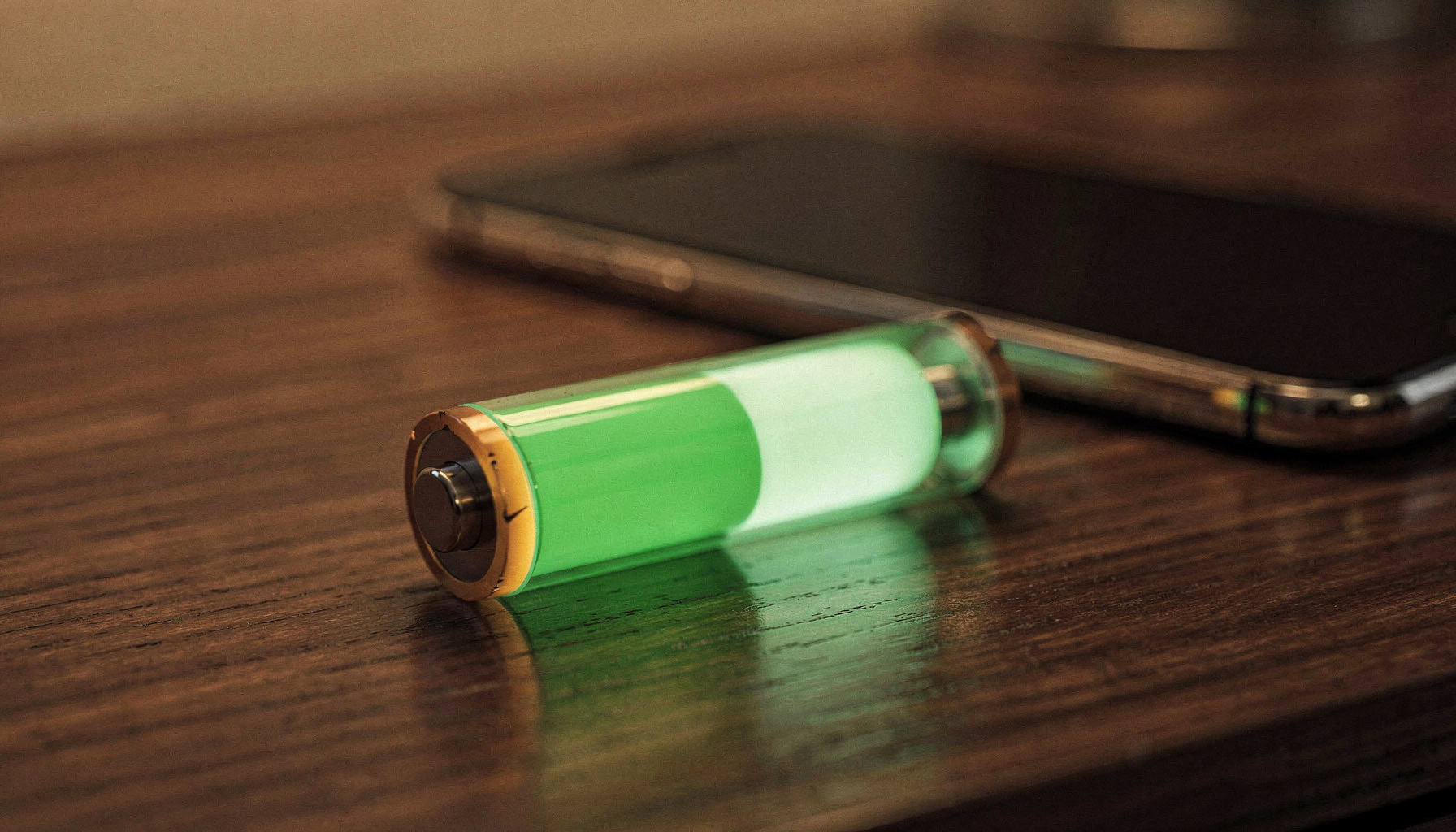
Learn how to limit iPhone charging to 80-95% to preserve battery health. Quick setup guide for iPhone 15+ with step-by-step instructions.
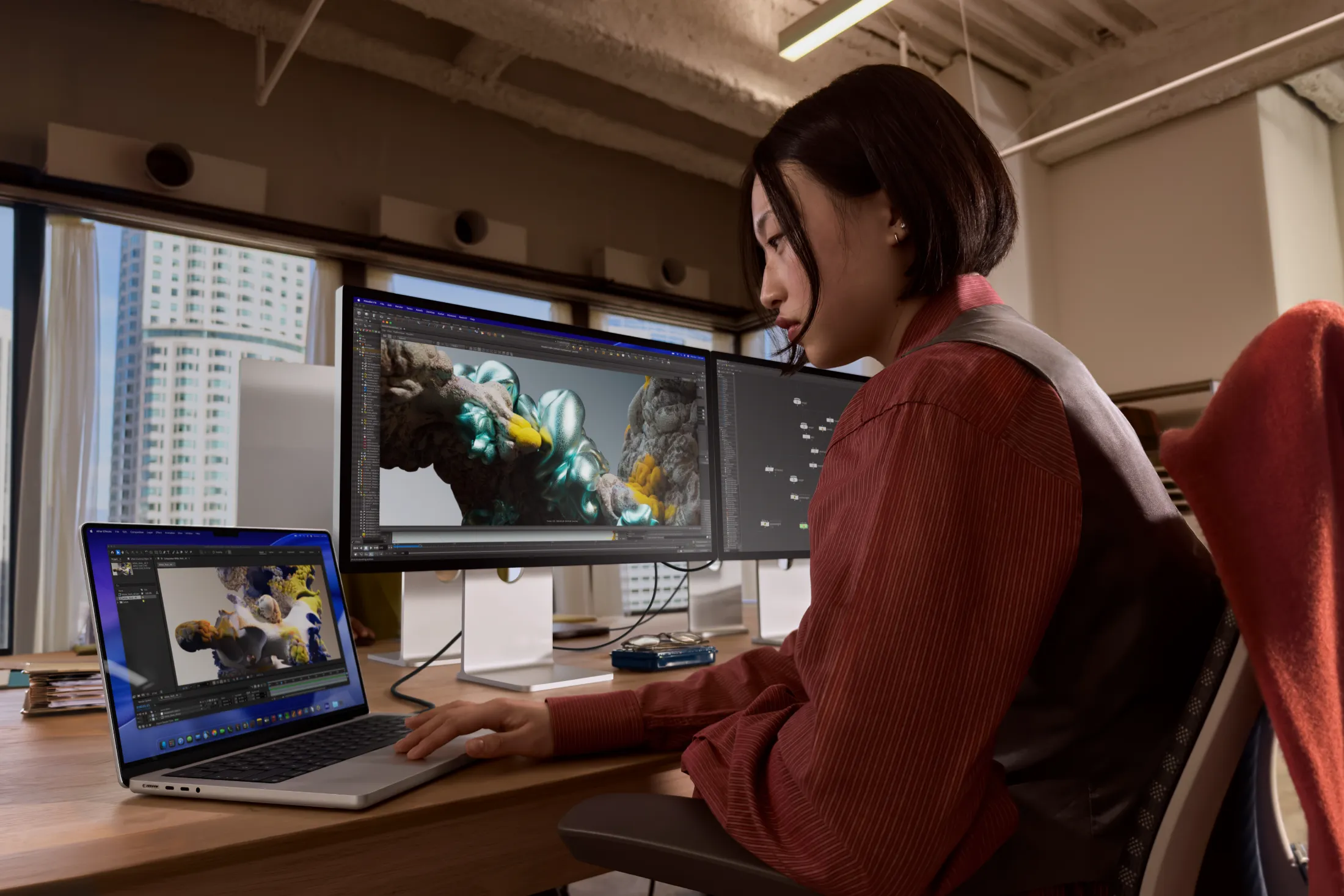
Compare MacBook Pro M5, M5 Pro, and M5 Max chips. Practical workflow guide to help you choose the right model for your needs.
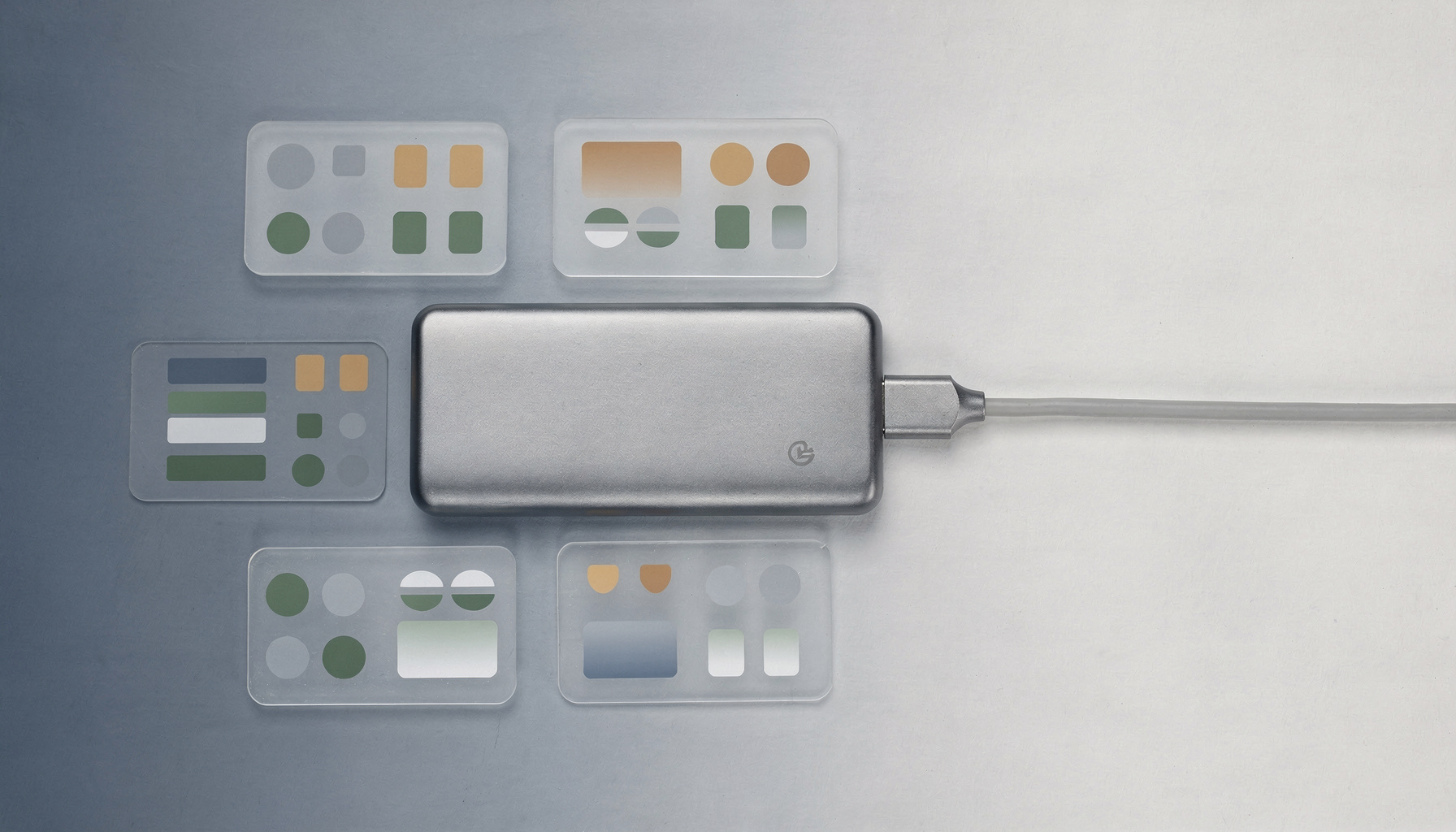
Learn how to find and delete duplicate files on Mac external drives. Includes pre-scan checklist, cleanup steps, and prevention tips.
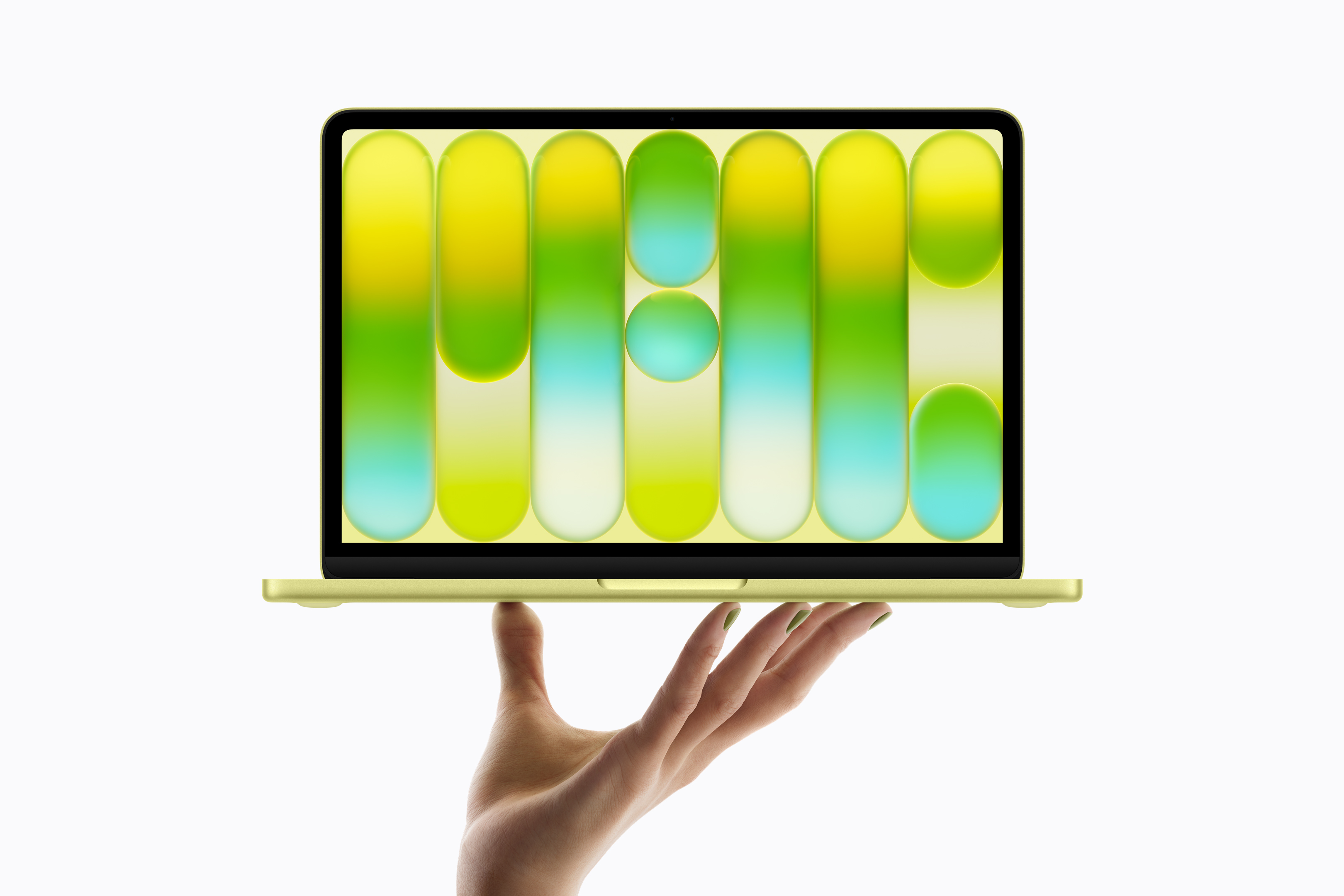
Apple's MacBook Neo brings A18 Pro performance at $599. I review the specs, benchmarks, colors, and storage tiers to help you decide if it's right for you.
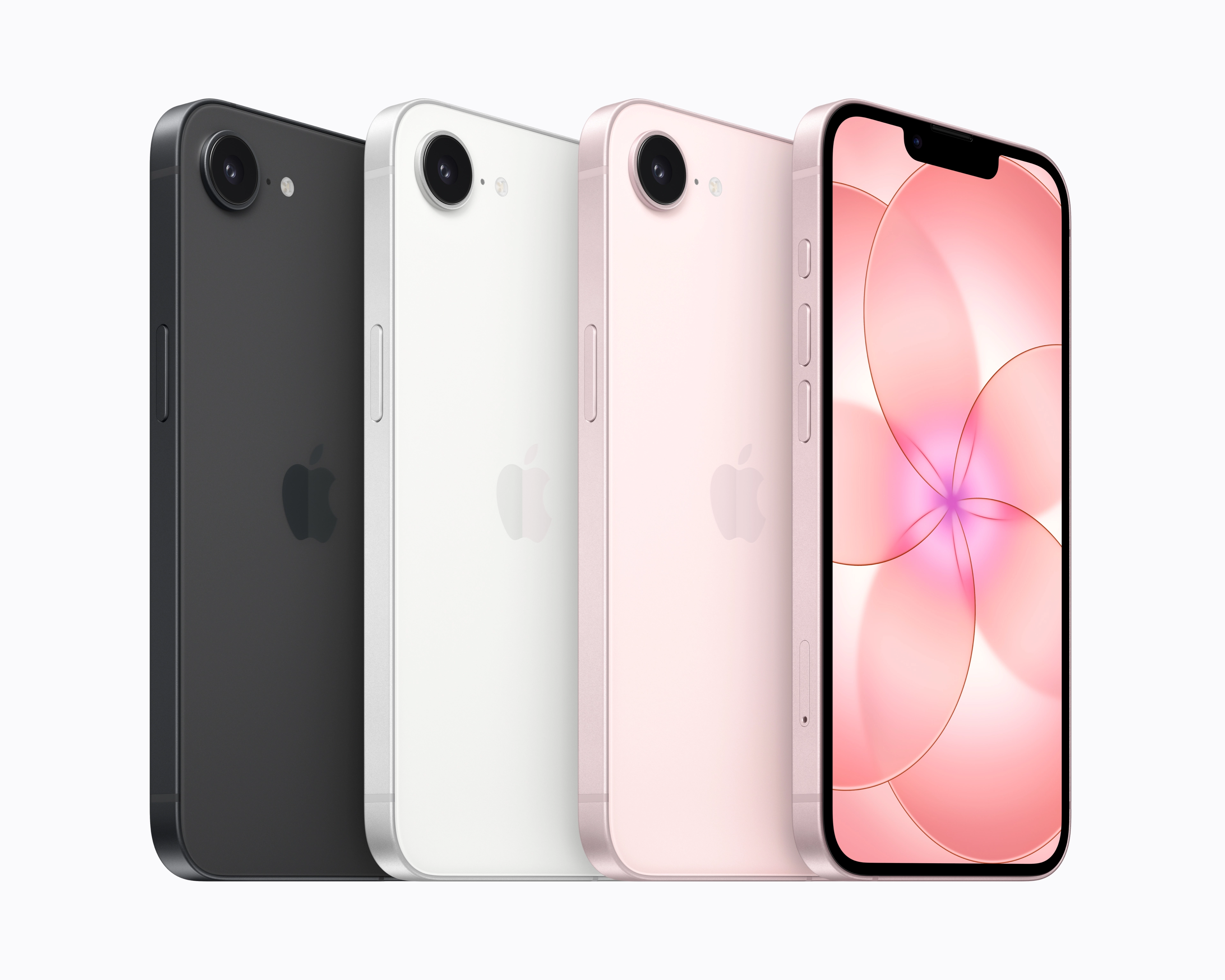
Apple announced the iPhone 17e on March 2, 2026. Learn about the A19 chip, 256GB base storage, $599 price, and March 11 release date.